
GDM - Gnome Desktop Manager
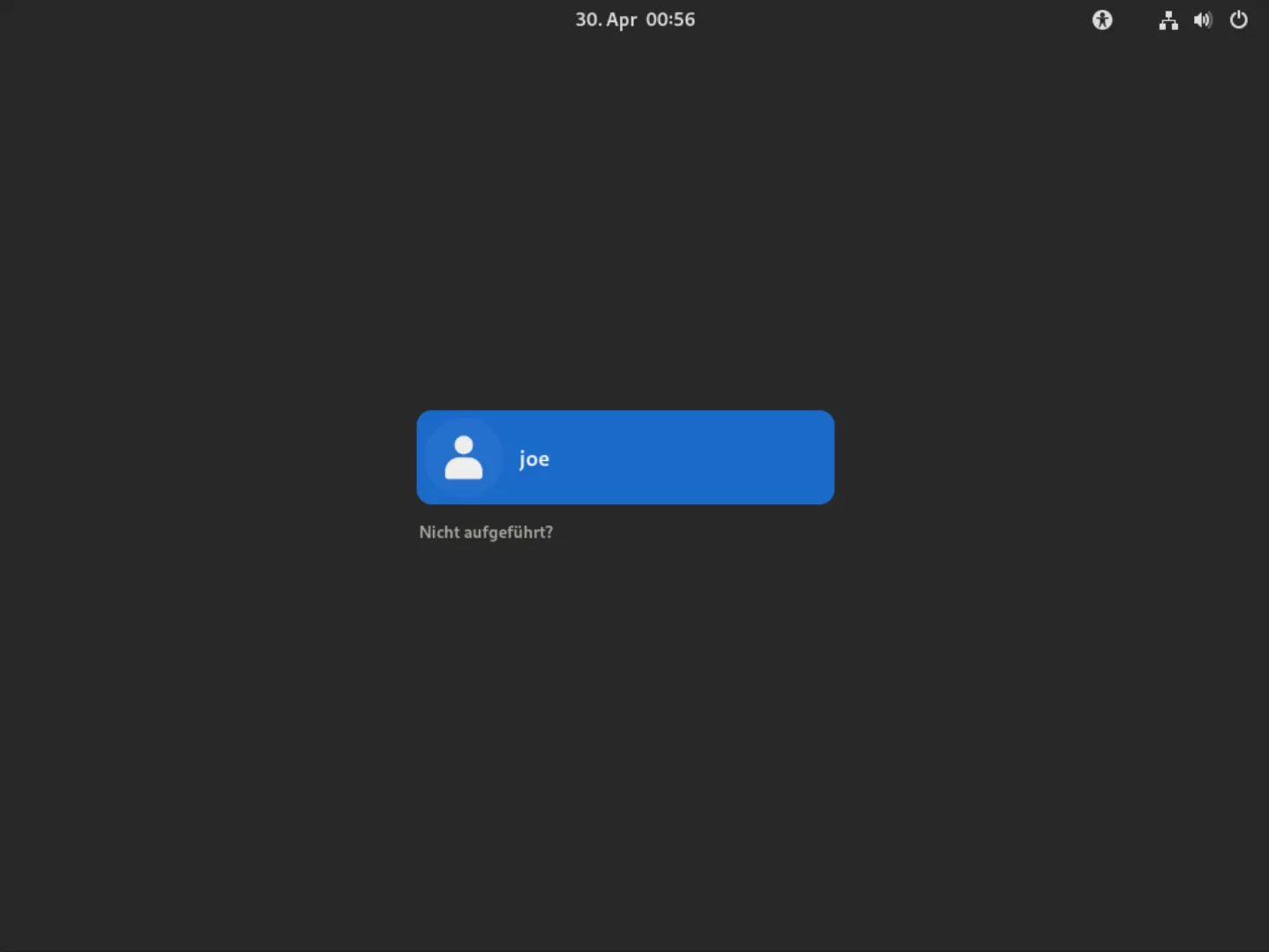
The GNOME DisplayManager (GDM) is a program that manages graphical display servers and handles graphical user logins.
More information:
https://help.gnome.org/admin/gdm/stable/
https://wiki.archlinux.org/title/GDM
Tips and Tricks:
Section titled “Tips and Tricks:”- there is gdm-settings application in the AUR:gdm-settings
let you set theming wallpaper and other options for the really bare GDM login screen.
Troubleshooting:
Section titled “Troubleshooting:”GDM shows black screen with blinking white cursor
Section titled “GDM shows black screen with blinking white cursor”After booting, GDM may present you with a black screen with a blinking white cursor in the top left. This may be caused by GDM starting up before the graphics drivers are fully initialized. One possible workaround is to start KMS early. Another possible workaround is to edit the systemd service and either set its type to “idle” or add a small delay:
[Service] Type=idleor
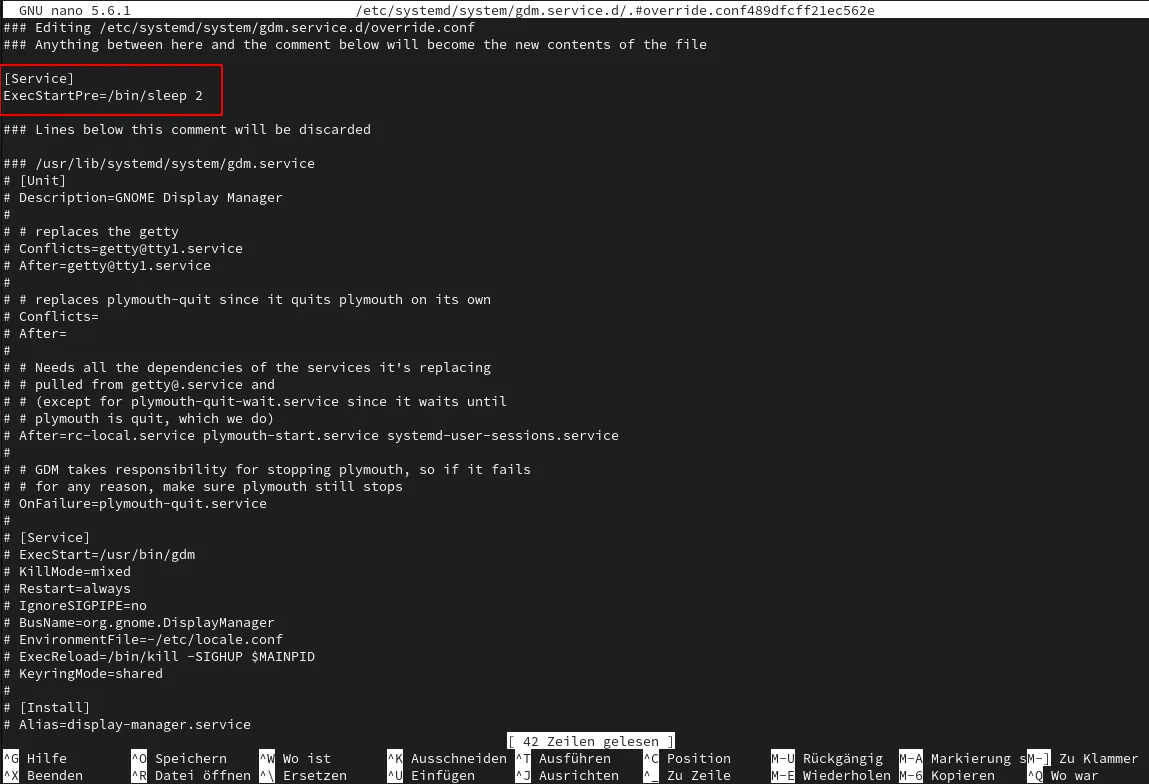
[Service] ExecStartPre=/bin/sleep 2If a longer delay is required, increase the delay time.
to do so:
The easiest way to do this is to run:
sudo systemctl edit gdm.serviceThis opens the file /etc/systemd/system/unit.d/override.conf in your text editor (creating it if necessary) and automatically reloads the unit when you are done editing.